Component
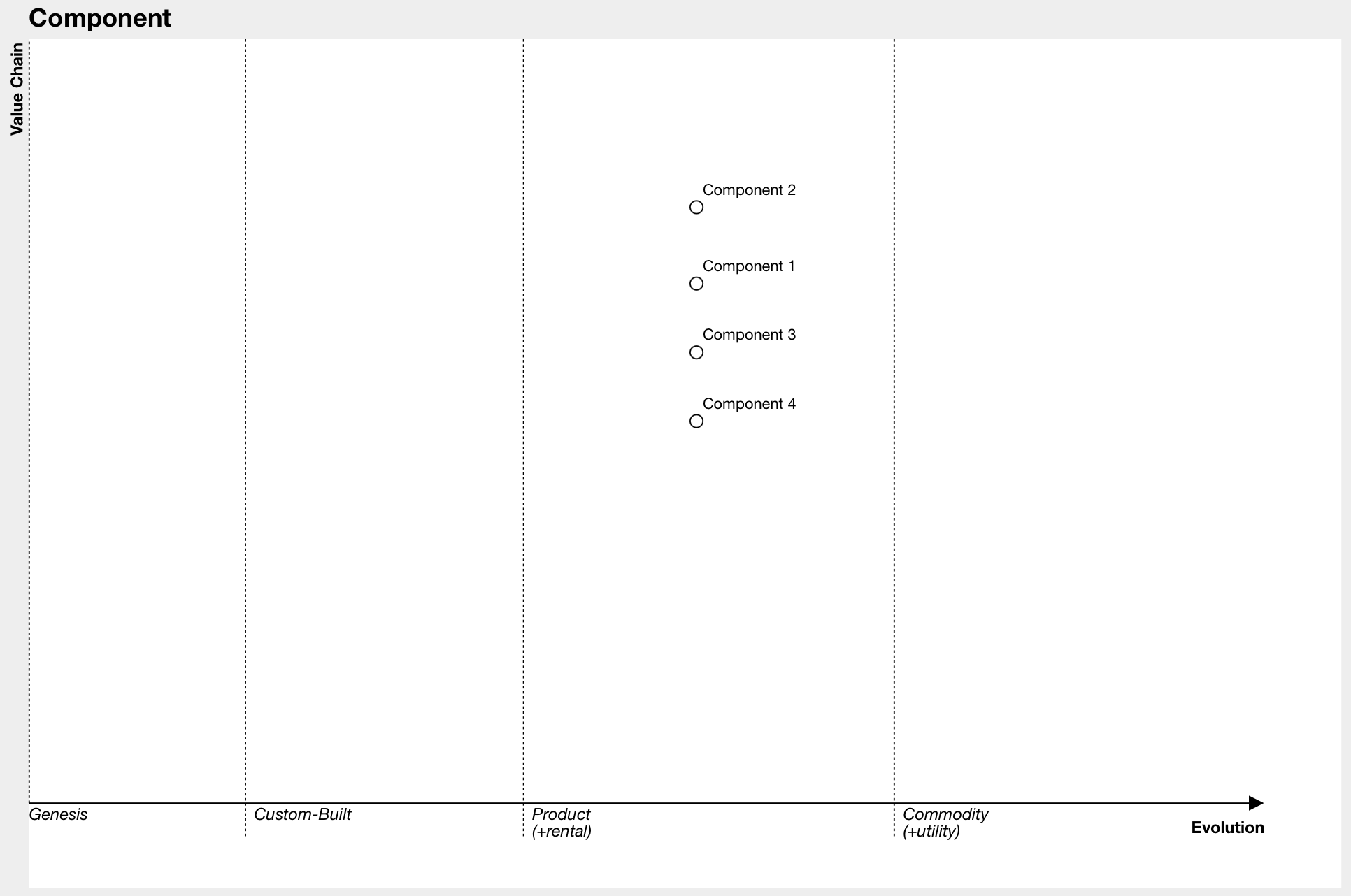
A component is any situation-relevant thing on a Wardley Map. Components can be activities (what you do), practices (how you do it), data, or knowledge. There is no single right level of granularity—if something is important, it deserves a symbol on the map. Components can be broken down into smaller components as needed.
Syntax
component Name [Visibility, Maturity]
- Name: The label for the component.
- Visibility (Y Axis): How visible the component is to the anchor/user.
- Maturity (X Axis): The component's stage of evolution (see Evolution).
Example
component Cup of Tea [0.79, 0.61] label [-85.48, 3.78]
component Cup [0.73, 0.78]
component Tea [0.63, 0.81]
component Hot Water [0.52, 0.80]
component Water [0.38, 0.82]
component Kettle [0.43, 0.35] label [-57, 4]
The label attribute is optional and allows you to adjust the position of the component's label on the map.
Visual Example
tip
If you get the granularity wrong, you will learn and adjust. Mapping is an iterative craft.
Interactive Features
Moving and Renaming Components
Components can be moved and renamed both through the text editor and directly on the map interface. For details about these interactive features, see Component Drag and Drop.