Release - May 2021

Welcome to the May release of OnlineWardleyMaps. Minor release to bring Quality of Life improvements.
Quality of Life Improvements
Quick Adding Components
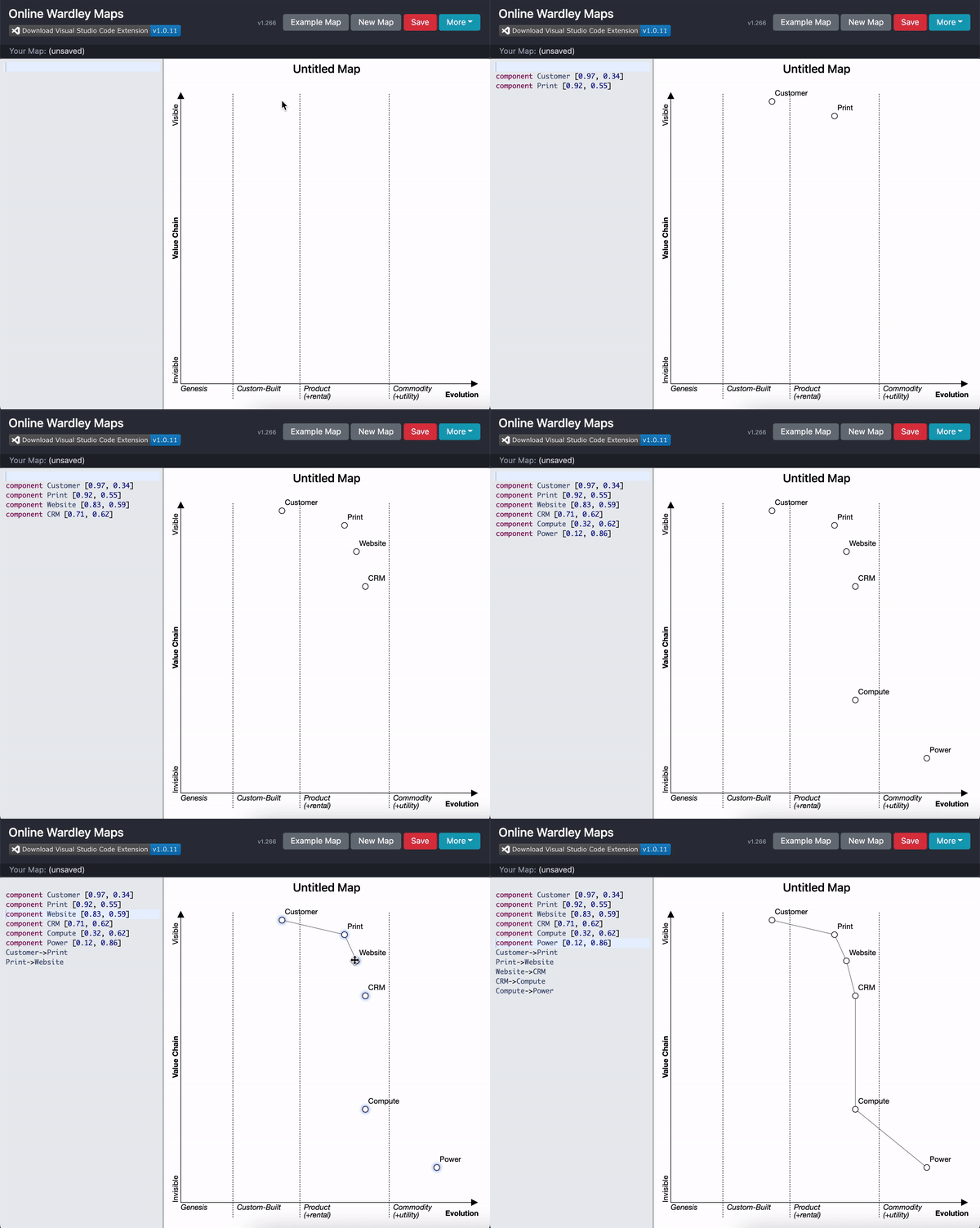
Until today, the only way to add new map components is via the editor. This QoL improvement will allow you to double click anywhere on the map to quickly place a component. Key bindings are present, Press Enter to add or Escape to cancel.
Quick Linking Components
Until today, the only way to link components was via the editor. This QoL improvement will allow you to click and point to create a new link. To do this, first press CTRL or CMD if MacOS. You'll notice component that can be linked will have a blue drop shadow. Whilst keeping CTRL/CMD pressed, Click the component and begin to move your mouse. You'll notice a line will start to draw. Next, go to the compoent you'd like to connect (whilst keeping CTRL/CMD pressed) and finally click to complete the link.
- Press and hold CTRL/CMD throughout the process.
- Click the start component.
- Move your mouse to the end component.
- Click the end component.
- Release CTRL/CMD.
- Done.
At any point, you can release CTRL/CMD and the linking process will cancel.
Bugfixes
A small bug presented itself when dragging/dropping components (the maptext was not correctly updated with new coordinates) when the first line of the maptext was either a comment or blank line